


Why Is My Vape Device Not Charging? Simple Causes & Fixes

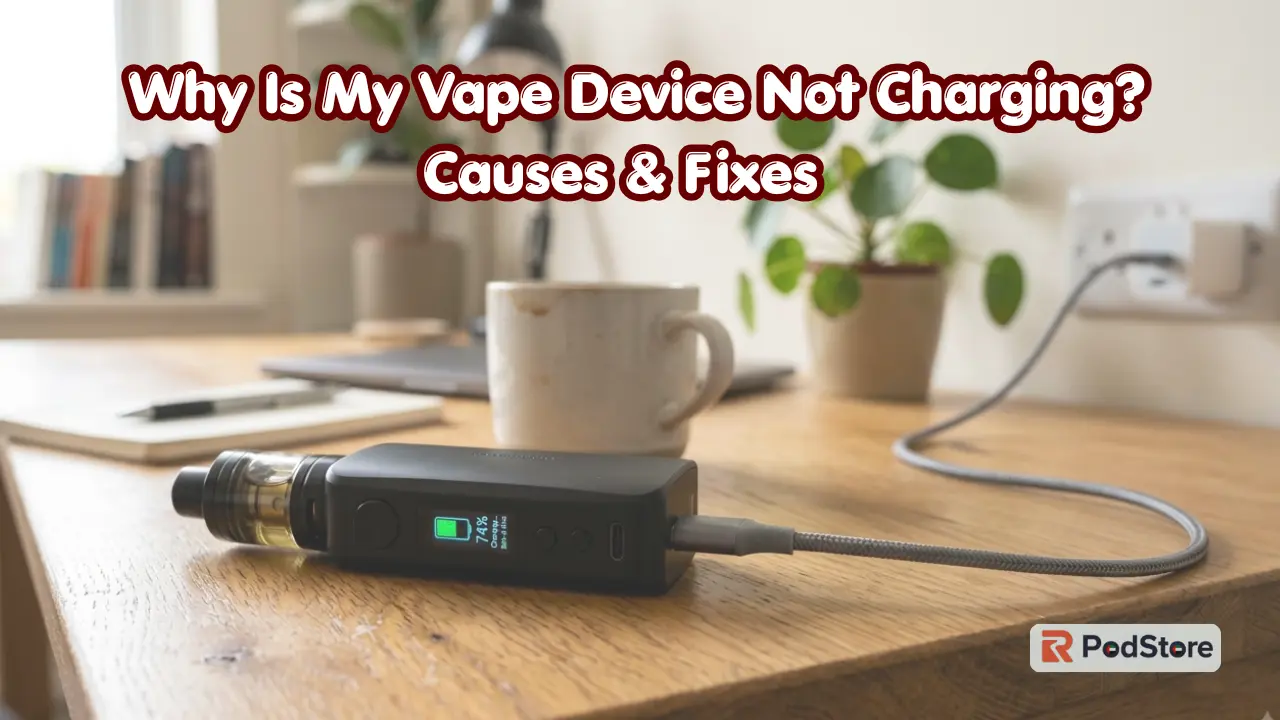
A vape that won’t charge doesn’t always mean the battery is dead. Most charging problems come from something small. The cable, the power source, or the port is often the real issue.
Charging behavior isn’t the same across every device. Pod systems, mods, and rechargeable disposables all handle charging a bit differently. Before you assume the worst, run through the simple checks first.
Vape Not Charging? Try These Quick Fixes First
Try these quick steps to fix your vape charging problem fast:
- Try a Different Charging Cable: Swap your current wire for a working spare.
- Try Another Compatible Power Source: Plug into a different wall outlet or computer port.
- Check the Charging Port: Look for dust, lint, or spilled e-liquid inside the slot.
- Make Sure the Connection Is Secure: Push the plug in firmly so it sits tight.
- Check the Charging Indicator: Watch for blinking lights or screen symbols.
- Let an Overheated Device Cool Down: Warm vapes stop charging to protect internal circuits.
If these quick checks don’t solve the problem, the cause may be more specific. The sections below explain what to check next.
Why Is My Vape Not Charging?
Vape charging problems stem from a few common causes. Understanding them saves time and frustration.
- Faulty charging cable: Internal wires snap easily from bending or twisting.
- Problem with power Source: Low-voltage plugs or broken outlets fail to feed power.
- Dirty charging port: Dust or dried juice blocks metal contact points.
- Loose connection: The charger plug sits unevenly inside the port.
- Battery issue: Old batteries lose their ability to hold or accept power.
- Charging protection: Built-in safety features temporarily block power intake.
- Internal hardware problem: Failed chips or broken solder wires stop charging completely.
How to Fix a Vape That Won’t Charge
Check the Charging Cable
A damaged or faulty cable is one of the common reasons a vape will not charge. Wires inside thin USB cables break easily.
Check the wire for bends, cuts, or loose plastic tips. Test your setup using a known working cable. Cables can look perfect on the outside but still fail inside.
Check the Power Source
Your vape power source must deliver steady electricity. Wall adapters, computer USB ports, and power banks all behave differently.
Avoid low-power USB outlets on older monitors or hubs. Switch to a standard wall adapter with correct voltage ratings. Never assume every USB plug supplies equal power.
Inspect the Charging Port
Dust and pocket lint collect inside the charging slot quickly. E-liquid can also leak into the port and block power.
Look inside the port with a bright light. If the manufacturer allows it, gently remove loose debris without forcing anything deep into the port. Never use metal tools inside the charging port.
Check the Charging Connection
Loose connections stop electric currents from reaching the battery safely. Cables that wobble often cause charging to start and stop continuously.
If your vape only charges at an angle, the port is worn. Ensure the plug clicks firmly into place without soft slipping.
Check the Charging Light
The charging light shows if power enters the device. Charging indicators vary by device. Some lights stay on while charging, while others blink, change color, or turn off when charging is complete.
Check your device’s manual or manufacturer’s instructions if you’re unsure what the indicator means.
Still Not Charging? What Could Be Wrong?
The Battery May Be Worn Out
Rechargeable vape batteries degrade over time. Old cells eventually lose the ability to store energy.
Watch for these signs:
- The device won’t hold a charge
- Battery life has dropped noticeably
- The device shuts down quickly after use
- Charging behavior has become inconsistent
These point to normal battery wear, not a one-time glitch.
The Charging Port May Be Damaged
Watch for these signs:
- The cable feels loose in the port
- Charging cuts in and out
- You need to hold the cable at an angle
- There’s visible physical damage to the port
A damaged port often needs professional repair or device replacement.
The Device May Have an Internal Fault
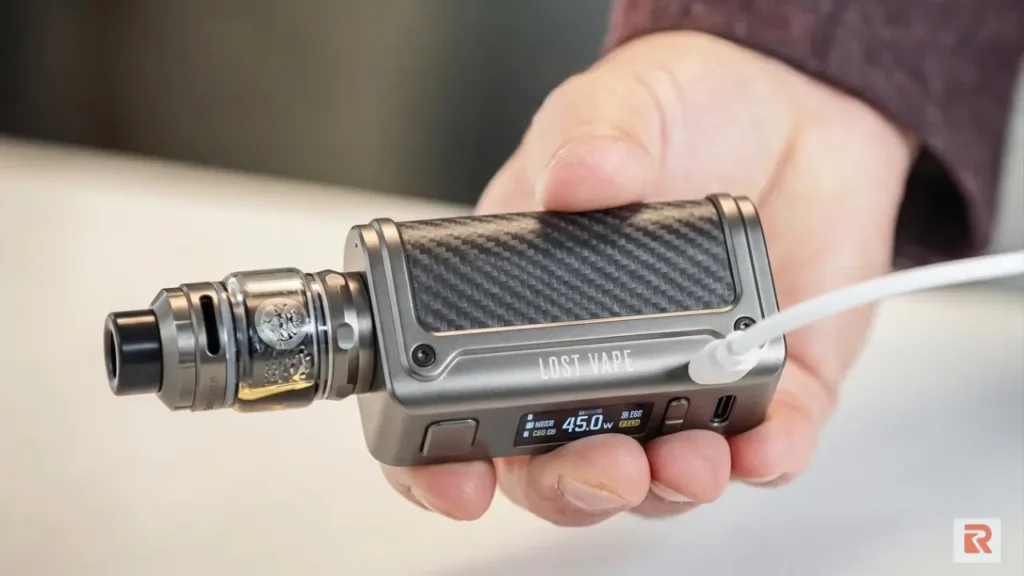
Sometimes the problem sits inside the device itself, in the charging circuit or battery hardware. This is harder to diagnose from the outside.
Don’t try to open the device yourself. If nothing else has fixed the issue, contact the manufacturer or retailer for support.
Disposable Vape Not Charging? Check This First
Is the Disposable Vape Rechargeable?
Not all disposable vapes are built for recharging. Only models with built-in USB ports can accept extra charges.
Checking the base reveals if a port exists on your device. Never attempt to recharge a single-use vape lacking a factory port.
For rechargeable disposables, verify these basic elements:
- Clean cable tips
- Functioning USB power sources
- Debris-free charging slots
- Tight, flush cable fitment
Vape Device Not Charging but the Light Is On
A glowing light does not guarantee power reaches your battery cell. Sometimes the board detects power, but the battery rejects it.
This issue stems from faulty wires, bad ports, or dead batteries. Faulty firmware can also trigger lights without sending actual current.
When Should You Stop Charging Your Vape?
Stop charging immediately if you notice severe warning signs. Battery safety must always come first.
- Unusually high heat on the device body or cord
- Bulging, swelling, or misshapen outer casing
- Visible smoke or burning smells coming from ports
A swollen or hot vape battery is unsafe to use. Unplug it right away and move it to a non-flammable surface.
How to Prevent Vape Charging Problems
- Use compatible charging equipment.
- Replace damaged cables right away.
- Keep charging ports clean and dry.
- Avoid extreme heat or cold when charging.
- Never force a connector into the port.
- Follow the manufacturer’s charging instructions.
- Stop using any visibly damaged device.
Good charging habits extend battery life and lower the risk of damage.
Vape Device Not Charging? Final Troubleshooting Checklist
| What You’re Seeing | What to Check |
| No charging light | Cable, power source, port |
| Light comes on but battery stays low | Cable, connection, battery |
| Charges only at an angle | Cable or charging port |
| USB-C vape won’t charge | Cable, adapter, port |
| Rechargeable disposable won’t charge | Confirm it’s rechargeable, then check the cable/port. |
| The device becomes unusually hot | Stop charging and inspect the device |
| The battery won’t hold a charge | The battery may be worn out |
Frequently Asked Questions About Vape Charging
Why is my vape not charging when plugged in?
A bad cable, dirty port, or dead outlet usually causes this issue. Debris inside the slot blocks electric current. Try swapping your cable and cleaning the port gently with a dry wooden toothpick.
Why won’t my vape charge with a USB-C cable?
Some vape devices do not support high-wattage fast chargers. Use a standard USB-A to USB-C cable instead. A high-output charger doesn’t automatically mean a faster or safer charge. Stick to a standard USB-A to USB-C cable and a low-power adapter unless the manufacturer says otherwise.
How do I know if my vape battery is dead?
A dead vape battery fails to hold power after long charges. The device shuts off instantly during use or gets hot quickly. If the charging light flashes rapidly or erratically instead of charging normally, the battery likely needs replacing.
How long does a vape take to charge?
Charging time depends on the device and battery size. Most pod systems and disposables charge in under an hour. Mods with larger batteries can take longer.
Can a dirty charging port stop a vape from charging?
Yes. Dust, lint, and e-liquid residue block the connection between the cable and the port. Cleaning the port gently often solves the problem.
Can I use any charger to charge my vape?
No. Use a charger compatible with your device’s voltage and connector type. Incompatible chargers can slow charging, damage the battery, or fail to charge the device at all.