

RELX Pod Not Working? Common Issues and Easy Fixes.

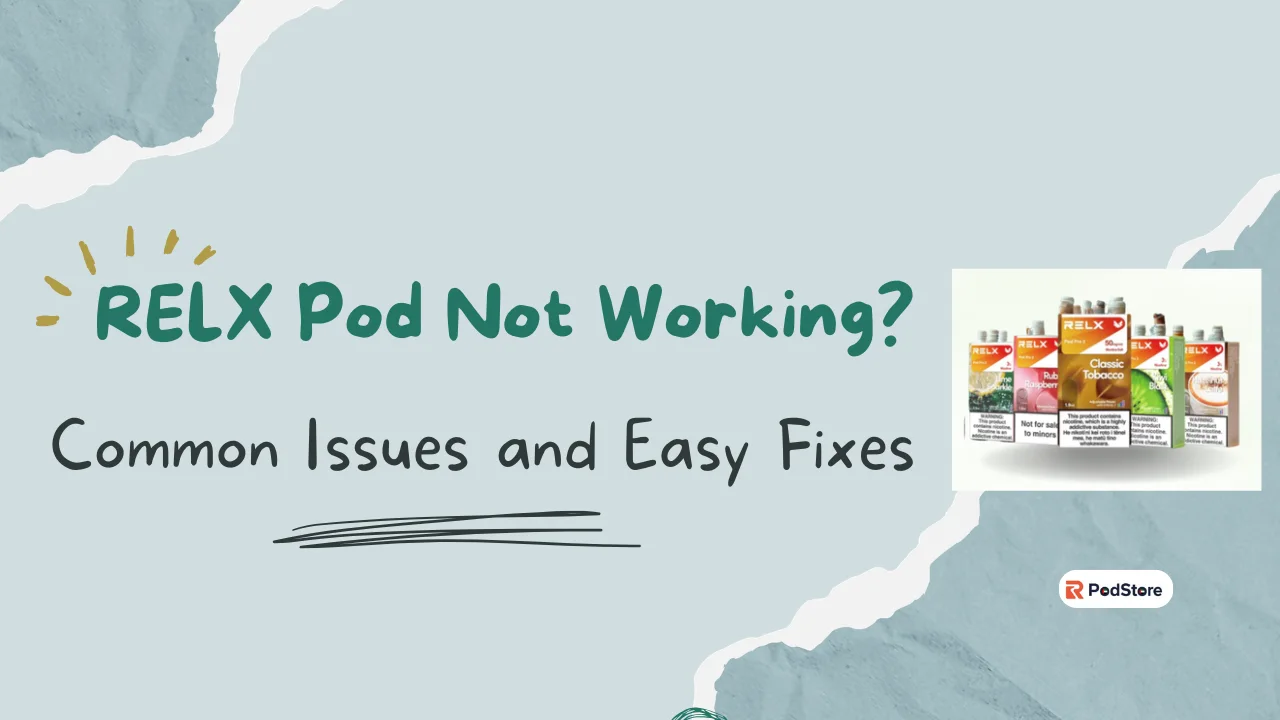
Is your RELX pod not working? It is a common problem for many users. You expect a smooth puff, but nothing happens. This guide helps you find the cause fast. We will look at simple fixes to get you back to vaping.
Most issues come from a few small things. Your battery might be low. The pod might not sit right. Sometimes, dirt blocks the connection. Understanding these basics is the first step to a fix.
How Do RELX Pods Work?
RELX devices are designed to keep things simple. Each pod contains e-liquid and a built-in heating coil inside a sealed unit.
When you inhale, the draw-activated battery powers the coil. This heats the liquid and turns it into vapor instantly. There’s no button—everything works automatically.
Since the coil is inside the pod, you don’t need to replace it. Just swap the pod when it runs out. Keeping the connection points clean and dry helps the device work smoothly.
Why Is Your RELX Pod Not Working?
There are many reasons why a Relx device stops hitting. It might not produce vapor even if the light stays on. Often, the device cannot “detect” the pod. This happens if the magnetic pins are dirty or blocked.
Other times, the issue is the battery. A dead battery means no power for heat. You might also have an empty pod without knowing it. Here are the most likely causes:
- Low Battery: The device has no power to heat the liquid.
- Dirty Contacts: Dust or leaked juice blocks the electric path.
- Clogged Pod: Old liquid can block the air holes.
- Faulty Pod: Rarely, a new pod might have a factory leak.
Quick Checks Before You Start Fixing
If your device is not hitting, start with these fast steps. Often, a small oversight is the only thing stopping your vapor. Checking these three areas can solve the issue in seconds.
- Check the battery. Tap the device twice or take a puff. Does the light turn on? If not, charge it for ten minutes.
- Reinsert the pod. Take the pod out. Push it back in firmly. You should feel a magnetic click.
- Clean the contacts. Wipe the bottom of the pod and inside the device with a dry tissue. This helps the device see the pod.
- Check the liquid. Hold the pod to the light. Is the liquid very low? If it is empty, replace the pod.
These simple moves fix most connection problems immediately. If the light flashes when you insert the pod, the device is active and ready. If there is still no vapor, you may need to look closer at the pod itself.
Common RELX Pod Issues and How to Fix Them
If your quick checks did not work, do not worry. Most pod issues fall into a few clear categories. Here is how to handle the most common problems you might face.
RELX Pod Not Producing Vapor
Is your device failing to create clouds? This usually means the heater is not getting power or the air path is blocked.
- Check the battery: Ensure the light glows when you puff.
- Clear the sensor: Take a few sharp puffs into the device without the pod.
- Check the pod: Ensure the pod is not empty or damaged.
RELX Pod Not Charging
A device that will not charge is often a port or cable problem.
- Clean the port: Use a toothpick to gently remove lint from the charging hole.
- Switch cables: Try a different USB-C cable to rule out a broken wire.
- Try a new plug: Use a different wall adapter or a laptop port.
RELX Pod Leaking or Spitting
If you feel juice on your lips, the pod is “spitting.” This happens when liquid floods the coil.
- Soft puffs: Take slow, gentle draws instead of hard inhalations.
- Clean the base: Remove the pod and wipe any leaked juice with a tissue.
- Rest the device: Let the pod sit upright for a few minutes to settle the liquid.
RELX Pod Not Detecting After Inserting
Sometimes the device does not recognize a new pod due to a poor connection.
- Clean the pins: Use a dry cotton bud to wipe the gold contacts on the pod and device.
- Adjust the pod: Rotate the pod or re-insert it firmly to trigger the magnetic link.
- Check for debris: Ensure no small objects are stuck inside the device.
Weak Flavor or Burnt Taste
A burnt taste usually means your liquid is too low or the coil is dry.
- Check liquid level: Replace the pod if the window looks empty.
- Avoid chain vaping: Give the wick 30 seconds to rest between puffs.
- Store upright: Keep your device standing up to ensure the juice covers the coil.
RELX Pod Blinking Lights Meaning
The light on your device indicates its status. Understanding these signals helps you fix problems fast:
- Blinking Red Light: The battery is low. Plug it into a charger.
- Steady Red Light (While Charging): The device is currently charging.
- Blinking White Light: This indicates a connection issue. Clean the metal pins on the pod and device.
- Three White Blinks: Your puff was too long. The device has timed out to prevent overheating.
- No Light: The battery is completely empty or the device is faulty.
Most light signals are resolved by charging the device or cleaning the pod contacts. If a red light persists after a full charge, the internal battery may be damaged.
How to Clean Your RELX Device Properly
Keeping your device clean is the best way to avoid future issues. A little care ensures every puff stays fresh and smooth. Follow these simple steps for a quick clean.
- Clean the interior. Use a dry cotton bud to wipe the inside of the device. Focus on the area where the pod sits to remove any dust.
- Clear the gold pins. Gently wipe the round metal pins inside the device. These must stay shiny to keep a strong connection with the pod.
- Wipe the pod base. Rub the bottom of your pod with a clean tissue. This stops small leaks from blocking the air sensor.
- Clear the charging port. Check the USB-C hole for lint or dirt. Use a small, dry brush or a toothpick to gently pull out any debris.
Doing this once a week is a great habit. It prevents the “not hitting” problem before it even starts. Always keep your device dry and avoid using water or wet wipes during cleaning.
Is It the Pod or the Device?
Not sure what to replace? This guide helps you decide. Buying a new pod is cheap. Buying a new device costs more. So test first.
Signs it is a dead pod:
- Burnt or weak taste
- Very little vapor even on a full battery
- The liquid looks dark or brown
- The pod leaks from the bottom
- A fresh pod works fine
Signs it is a device issue:
- The device won’t charge at all
- Light does not turn on when tapped
- No pod works in the device
- The device feels hot during charging
- The magnetic pins are stuck or missing
If a new pod fixes the issue, the old one was simply faulty or empty. If multiple pods fail, your device battery or internal sensor is likely dead. Replacing a faulty device is the best way to ensure your safety and a consistent hit.
When Should You Replace Your RELX Pod?
Whether you use RELX Pod Pro or RELX Pod Pro 2, replacing your pod at the right time ensures better flavor and consistent performance. Most pods provide about 600 puffs, lasting three to five days for average users. Replace your pod immediately if you notice these signs:
- Empty Window: No liquid is visible through the pod’s clear shell.
- Burnt Taste: The vapor tastes harsh or like burnt cotton.
- Weak Vapor: Clouds become thin even with a full battery.
- Heavy Leaking: Juice consistently leaks from the base of the pod.
The RELX pod lifespan depends on your personal vaping style. Swapping the pod early prevents dry hits and keeps your device clean. Always keep a spare pod ready to avoid a burnt experience.
Tips to Prevent RELX Pod Problems
Proper care stops leaks and keeps your flavor fresh. Follow these habits to avoid common device issues:
- Store upright: Keep your device standing up to prevent juice from flooding the air path.
- Avoid chain vaping: Wait 30 seconds between puffs to let the coil cool down.
- Stay out of heat: Keep your device away from direct sun or hot cars to prevent leaks.
- Puff gently: Use soft, steady draws to keep the coil from flooding.
These simple steps extend the life of your pods and device. Consistent maintenance ensures a smooth hit every time you vape.
Still Not Working? What to Do Next
If your device still fails to hit, it may have a hardware issue. Some problems require a replacement rather than a quick fix. Follow these steps:
- Check the Warranty: Contact your seller to see if your device is still under cover.
- Try a New Pod: Test a fresh pod to rule out a factory defect with the current one.
- Inspect for Damage: Replace the device if the battery or body has deep dents or cracks.
- Contact Support: Reach out to official help for troubleshooting your specific model.
If troubleshooting fails, it is likely time for a new device. A fresh setup ensures the best safety and performance for your daily use.
FAQs
Q. Why is my RELX blinking but not hitting?
A: This usually means a connection or battery error. Check if the pod is inserted all the way. If it still blinks, charge your battery for ten minutes.
Q. How do I know if my RELX pod is empty?
A: The flavor will become very weak or taste dry. You can also look at the clear pod window. If you see no liquid, it is time for a new one.
Q. Can I fix a burnt RELX pod?
A: No, you cannot fix a burnt pod. Once the wick burns, the bad taste will stay. Throw it away and start a fresh pod for the best flavor.
Q. Why is my RELX charging but not working?
A: The battery might be full, but the device cannot “see” the pod. Clean the gold pins on both the pod and the device with a dry tissue.
Q. Does the Pod Pro 2 fit in older devices?
A: Yes, the Pod Pro 2 is designed to be compatible with most RELX devices. It offers a smooth experience similar to the original Pod Pro.
Q. Where can I buy original RELX pods?
A: You can buy genuine pods directly from our Relx Dubai online store. We offer a wide range of flavors with fast 1-2 hour delivery across Dubai, Abu Dhabi, Sharjah, and Ajman.