

TEREA Not Working? Common Problems and Easy Fixes for IQOS ILUMA

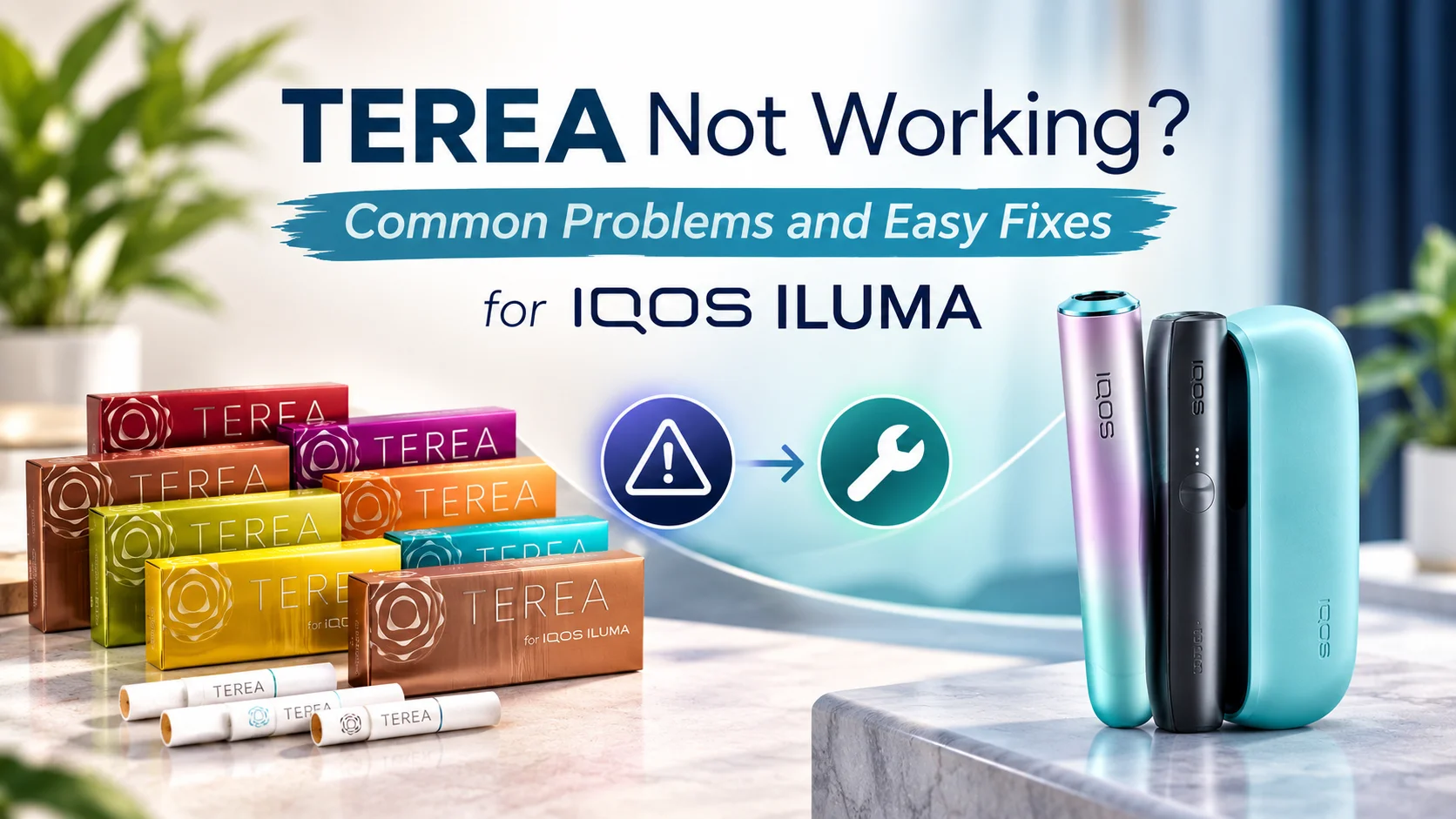
If your TEREA stick suddenly stops working, tastes odd, or your device won’t seem to recognise it, you’re not alone. Most TEREA problems come down to a handful of simple causes: the stick going in slightly wrong, a device that needs cleaning, low battery, a damaged stick, or a compatibility mix-up. The good news is that most of these issues are easy to check and fix at home, without needing to visit a store.
Why Is My TEREA Not Working?
There are a few usual suspects when a TEREA session doesn’t go as expected. Working through them in order usually points you to the answer quickly.
- Compatibility – TEREA sticks are made specifically for IQOS ILUMA devices. If you’re trying to use them with an older IQOS model, they simply won’t work, since the heating systems are different.
- Insertion – The stick needs to be pushed in straight and fully, without twisting. A stick that’s inserted at an angle or only partway in often won’t heat properly.
- Battery level – A low or empty battery can stop a session from starting or cause it to end earlier than expected. Charging the device fully before use solves this in most cases.
- Device cleanliness – Residue can build up inside the holder over time. A dirty blade or chamber can affect how evenly a stick heats, which changes the taste and performance.
- Damaged or poorly stored sticks – A TEREA stick that’s been bent, exposed to moisture, or stored somewhere too warm may not heat evenly, even if the device itself is working fine.
- Device errors – Occasionally the device itself may show an error light or fail to start a session. If this keeps happening after checking the points above, it’s worth referring to the official IQOS support guidance for your specific model.
Going through these checks one at a time, starting with the simplest, is usually enough to identify what’s going on.
Why Is My TEREA Not Working With IQOS ILUMA?
TEREA sticks are designed to work exclusively with IQOS ILUMA devices. The two are built as a matched system, so if a stick isn’t working, the first thing to rule out is whether the device and stick are actually meant for each other. If you’re using an authentic TEREA stick with a genuine IQOS ILUMA device and it’s still not working, the issue is more likely related to insertion, battery, or device condition rather than the pairing itself. It’s worth noting that TEREA is a different product from HEETS, and the two aren’t interchangeable, which we’ll cover in more detail further down.
Why Is My IQOS ILUMA Not Detecting TEREA?
If your device doesn’t seem to recognise that a stick has been inserted, start with the basics. Check that the stick is genuine TEREA, undamaged, and pushed in fully and straight. Next, confirm the device has enough charge, since some detection issues are simply the result of insufficient battery. It’s also worth checking the holder for dust or tobacco residue, as buildup can interfere with the sensors that detect the stick.
If the device still isn’t detecting sticks after these checks, a restart may help, though the exact steps can vary between IQOS ILUMA i Standard, i ONE, and i PRIME models. Rather than guessing at a reset procedure, it’s best to check the instructions that came with your specific device or the official IQOS support resources.
Why Does TEREA Taste Burnt?
A burnt taste is usually a sign that something in the heating process didn’t go as intended, rather than a fault with the tobacco blend itself. Common causes include a stick that wasn’t inserted correctly, a device that needs cleaning, or a session that ran hotter than usual. Sticks that have dried out due to poor storage can also burn unevenly. If the burnt taste happens repeatedly with different sticks, it’s more likely a device issue than a problem with the TEREA sticks themselves.
Why Does TEREA Taste Different?
It’s normal for the taste to vary slightly between sessions, and even between different TEREA variants. Each TEREA flavour, such as TEREA Silver, TEREA Sienna, TEREA Turquoise, or TEREA Yellow, is designed with a distinct blend and intensity, so switching between them will naturally feel different. Beyond that, factors like how the stick was stored, the current condition of your device, and simple personal perception on a given day can all affect how a session tastes. If you’re exploring options, browsing the full range of TEREA flavours can help you find one that consistently suits your preference.
Why Does My TEREA Stick Get Hot?
Heat is part of how TEREA and IQOS ILUMA are designed to work together, so some warmth during and after a session is expected. That said, if a stick feels unusually or excessively hot compared to normal use, or if you notice smoke, an unusual smell, or visible damage, it’s a sign to stop using it and check your device against official guidance rather than continuing the session.
Why Does IQOS ILUMA Vibrate?
The vibration on IQOS ILUMA devices is a built-in signal, not a fault. It’s generally used to let you know about certain stages of use, such as when a session is starting or coming to an end. The exact pattern and timing of vibrations can differ slightly depending on the specific ILUMA model you own, so it’s worth getting familiar with your particular device’s signals rather than assuming they’re identical across all versions.
How Do I Know When a TEREA Session Is Finished?
IQOS ILUMA devices are designed to signal the end of a session, typically through a combination of vibration and light indicators. Since the exact timing and signal pattern can differ between the i Standard, i ONE, and i PRIME devices, it’s best to check the guidance for your specific model rather than relying on a fixed number for every device.
Can TEREA Be Used Twice?
No. TEREA sticks are designed for a single use per session. Once a stick has been used, it isn’t intended to be reinserted for a second round, and doing so isn’t recommended. Following the manufacturer’s usage guidance helps ensure the device and sticks perform as intended.
How Should TEREA Be Stored?
Good storage makes a noticeable difference to how consistently TEREA sticks perform, and this matters more in the UAE than in cooler climates. A few simple habits help:
- Keep sticks in their original packaging until you’re ready to use them.
- Store them somewhere dry, away from humidity.
- Avoid leaving sticks in a hot car or in direct sunlight, which is a common issue during UAE summers.
- Keep them away from moisture generally, including bathrooms or kitchens.
- Follow any storage instructions printed on the packaging.
Sticking to these basics helps keep the tobacco in the condition it’s meant to be used in.
Can TEREA Be Stored in the Refrigerator?
Refrigeration isn’t generally recommended for TEREA sticks. Cold storage can introduce moisture through condensation once the sticks are brought back to room temperature, which may affect how they heat and taste. A cool, dry place at normal room temperature, away from direct heat and sunlight, is a more suitable option than the fridge.
Why Does TEREA Have a Metal Part?
The metal component in a TEREA stick plays a role in how it interacts with the IQOS ILUMA heating system. Unlike older HEETS sticks, which were heated using a blade inserted into the tobacco, TEREA sticks are heated externally using induction technology, and the metal part is part of what makes this possible. This is one of the key differences between TEREA and older-generation sticks, and it’s part of why the two aren’t interchangeable.
Why Can’t I Use HEETS With IQOS ILUMA?
IQOS ILUMA uses a different heating method compared to earlier IQOS devices. Instead of a blade that heats the tobacco from inside the stick, as older HEETS-compatible devices used, IQOS ILUMA heats sticks from the outside using induction technology. TEREA sticks are built for this specific system, which is why HEETS sticks aren’t compatible with IQOS ILUMA devices. Trying to modify either the device or the stick to force compatibility isn’t advisable and isn’t something we’d recommend.
When Should I Stop Using a TEREA Stick or IQOS ILUMA?
A few warning signs suggest it’s time to pause and check official guidance rather than continue using the product: visible damage to a stick or device, repeated or persistent error messages, unusually strong heat, unfamiliar smells, or any other behaviour that seems out of the ordinary compared to normal use. When in doubt, it’s better to stop and check rather than push through an unusual session.
Final Thoughts
Most TEREA issues, whether it’s a burnt taste, detection problems, or an unusually hot session, come down to a small set of everyday causes: insertion, battery, device cleanliness, storage, or compatibility. Working through these basics in order will resolve the majority of problems without any need for guesswork.
FAQ
Why is my TEREA not working in IQOS ILUMA?
This usually comes down to one of a few simple factors: incorrect insertion, low battery, a dirty device, or a stick that’s damaged or was stored poorly. Checking these one by one will usually identify the cause.
Can I use TEREA more than once?
No. TEREA sticks are designed for single use only. They aren’t intended to be reinserted after a session has finished, and doing so goes against the manufacturer’s usage guidance.
Why does my TEREA taste burnt?
A burnt taste is often linked to incorrect insertion, a device that needs cleaning, or a session that ran hotter than normal. It can also happen if the stick has dried out due to poor storage.
Can I use HEETS in IQOS ILUMA?
No. IQOS ILUMA uses induction heating technology and is designed to work only with TEREA sticks. HEETS sticks were made for older, blade-heated IQOS devices and aren’t compatible with ILUMA.
How should I store TEREA sticks in the UAE?
Keep sticks in their original packaging, in a cool, dry place away from direct sunlight and heat. This is especially important in the UAE, where leaving sticks in a hot car or near a window can affect how they perform.
Why does IQOS ILUMA vibrate during a session?
Vibration is a built-in signal that lets you know about key moments during use, such as the start or end of a session. The exact pattern can vary slightly depending on your specific IQOS ILUMA model.
What should I do if IQOS ILUMA does not detect TEREA?
Start by checking that the stick is genuine, undamaged, and fully inserted. Then check the battery level and clean the holder if needed. If detection issues continue, refer to the official guidance for your specific device model.